

How to Get IRS Transcript Online
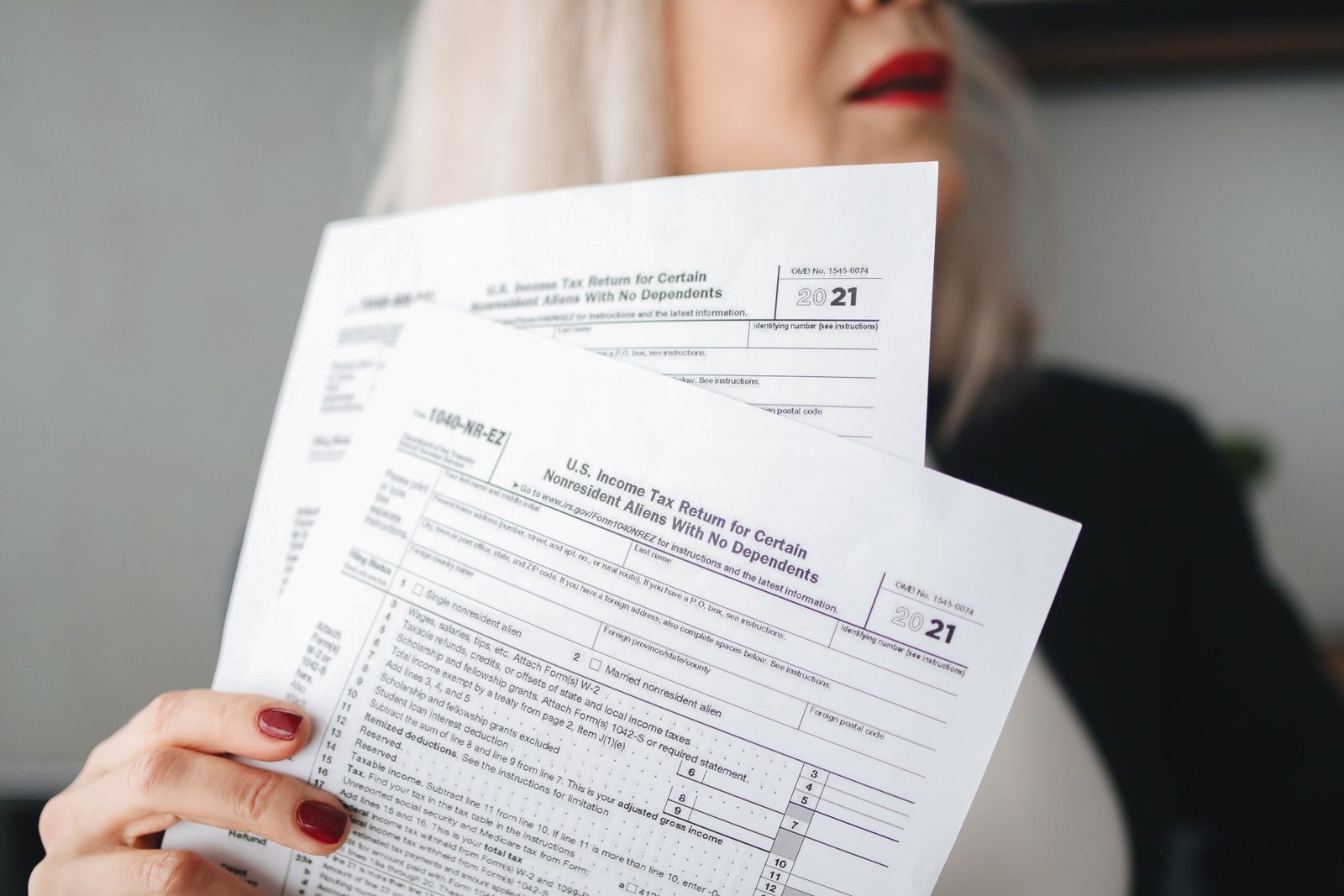
An IRS tax transcript is one of the most requested documents by lenders, colleges, and immigration services. Yet many taxpayers feel unsure about how to get an IRS transcript online. The process is completely free, secure, and – once you know the steps – surprisingly straightforward. This guide draws directly from official IRS transcript resources and educational tax materials published by the Internal Revenue Service (IRS). Whether you’re applying for a mortgage, verifying income for financial aid, or simply double‑checking your tax history, you’ll find everything you need to request and download your IRS transcript online in 2026.
Table of Contents
What Is an IRS Transcript?
An IRS transcript is a computer‑generated record of your tax account and the information from your filed tax return. It is not a photocopy of your return, but it shows most line‑item data, including income, adjusted gross income (AGI), deductions, credits, and payment history. The transcript is often used for income verification, loan applications, and tax preparation because it contains official information directly from the IRS master file.
Think of it as a condensed, official summary rather than the full package of forms and schedules you originally submitted. Transcripts are free and can be obtained online, by mail, or by phone.
Why You May Need an IRS Transcript
There are many everyday situations where an IRS transcript saves time and provides proof of your financial history:
- Applying for a mortgage or home equity loan
- Verifying income for rental applications
- Completing the Free Application for Federal Student Aid (FAFSA) or income‑driven student loan repayment plans
- Responding to an IRS notice or preparing an amended return
- Providing documentation for immigration or visa petitions
- Estimating tax liability when you’re self‑employed
- Submitting records to a lender or housing agency
Because the IRS transcript is an official government document, it’s widely accepted as third‑party verification of your income and tax filing status.
Types of IRS Transcripts Explained
According to IRS guidance, there are five main transcript types. Each serves a different purpose. Understanding which one you need will save you from requesting the wrong document.
| Transcript Type | What It Shows | Typical Use |
|---|---|---|
| Tax Return Transcript | Most line items from your original Form 1040 (including AGI, deductions, credits). Does not show changes made after filing. | Mortgage lenders, FAFSA verification, income proof |
| Tax Account Transcript | Basic data like filing status, AGI, taxable income, and any adjustments or payments after the return was processed. | Checking payment history, tax account adjustments, past balances |
| Record of Account Transcript | A combination of the Tax Return Transcript and Tax Account Transcript. | When a lender needs a full picture of both filed data and later changes |
| Wage and Income Transcript | Data from W‑2s, 1099s, 1098s, and other information returns filed with the IRS. | Verifying employment income, preparing a return when you’re missing forms |
| Verification of Nonfiling Letter | Confirms the IRS has no record of a filed return for the year you request. | Financial aid, loan applications when a return wasn’t required |
If you’re unsure, the Tax Return Transcript is the one most frequently requested by banks and colleges. The Record of Account Transcript is helpful when you need both the original filing information and any subsequent adjustments. The Wage and Income Transcript is a go‑to for self‑preparers who lost a W‑2.
How to Get IRS Transcript Online Step‑by‑Step
Getting your IRS transcript online is a structured process that takes most people 10–15 minutes once they have their documents ready. Here’s the official workflow.
-
1Visit the official IRS transcript page. Open your browser and go directly to https://www.irs.gov/individuals/get-transcript. Always type the address or use a bookmark – avoid clicking links in emails.
-
2Choose “Get Transcript Online”. On the page, select the blue button for Get Transcript Online. This will take you to the IRS Online Account sign‑in.
-
3Sign in to your IRS online account. If you already have an account, sign in with your ID.me credentials. If not, click “Create an Account” and follow the prompts.
-
4Complete identity verification through ID.me. You’ll need a government‑issued photo ID, a mobile phone, and your Social Security number. The system will guide you through uploading your ID and taking a selfie.
-
5Select your transcript type and tax year. After signing in, choose the reason you need a transcript (optional), then pick the transcript type from the dropdown list and the tax year you want.
-
6View and save your transcript. The transcript opens as a PDF in your browser. You can download it to your device, print it, or save it for your records.
Use only the official IRS website when requesting tax transcripts online.
Access IRS Get TranscriptCreating an IRS Online Account
Your IRS online account is the gateway to instant transcripts, tax payment history, and more. The IRS uses ID.me for secure authentication. To create an account, you’ll need:
- An email address (one you can access immediately)
- Your Social Security number (SSN) or Individual Taxpayer Identification Number (ITIN)
- Your filing status and mailing address from your most recent tax return
- A government‑issued photo ID (driver’s license, state ID, or passport)
- A smartphone or computer with a camera for the selfie verification
Visit the IRS Online Account page and select “Create an Account.” The system will email you a link to set up ID.me. During ID.me setup, you’ll enter your personal information, upload your photo ID, and take a live selfie. The entire process is encrypted and designed to protect your data. Once verified, you can use the same ID.me login for other government services.
Identity Verification Requirements
Identity verification is the most critical – and sometimes most frustrating – step. The IRS takes this seriously to prevent fraud. Here’s what happens and how to prepare.
What ID.me will ask for
- Full legal name, date of birth, and SSN
- A photo of the front and back of your government ID
- A live selfie (the system checks for liveness, not just a static photo)
If the automated verification fails, you’ll be prompted to join a video call with a trusted referee. This can add a few hours to a couple of days, but it’s still the same free process.
Before you start, double‑check that the name and address on your most recent tax return exactly match the information you enter. Even small typos or an old address can cause a mismatch. Also, unfreeze your credit if you have a security freeze with the credit bureaus – ID.me may use credit data for verification.
Using the IRS Get Transcript Tool
Once you’re logged into your IRS online account, the Get Transcript tool is straightforward. On the main account dashboard, look for the “Records and Status” section and select “Get Transcript.” You’ll see a dropdown to choose a transcript type and another to select the tax year.
For example, if a mortgage lender asks for your Tax Return Transcript for 2024 and 2025, simply select “Tax Return Transcript” and each year in turn. The PDF will open in a new browser tab. Make sure your pop‑up blocker is off; otherwise the transcript may not display.
If a transcript isn’t available for a year you filed, it might be because the return is still being processed or hasn’t been posted yet. In that case, try again later or use the mail option.
How to Download and Print Your Transcript
When the transcript opens as a PDF, use your browser’s download button (usually a downward arrow or disk icon) to save it to your computer. Name the file something recognizable like “IRS_TaxReturn_Transcript_2025.pdf”.
To print, click the printer icon in the PDF viewer or press Ctrl+P (Windows) / Cmd+P (Mac). The document prints on standard letter‑size paper. The IRS transcript includes a digital watermark – this is normal and confirms its authenticity.
Store the PDF securely. Because transcripts contain your Social Security number and income details, never email them as an unencrypted attachment unless required by a lender that uses secure portals.
Transcript Availability by Tax Year
Not every transcript type is available for all years. The IRS retains records based on transcript category.
| Transcript Type | Online Availability (as of 2026) |
|---|---|
| Tax Return Transcript | Current tax year plus three prior years (e.g., 2025, 2024, 2023, 2022) |
| Tax Account Transcript | Current year and up to 10 prior years |
| Record of Account Transcript | Current year and three prior years |
| Wage and Income Transcript | Current year and up to 10 prior years |
| Verification of Nonfiling Letter | Available online after June 15 for the current tax year; for prior years, request is usually immediate |
If you need a Tax Return Transcript older than three years, you must request it by mail using Form 4506-T or by calling the automated phone service. The IRS does not provide Tax Return Transcripts older than three years via the online tool.
Common Problems and Solutions
Even with a smooth system, a few hurdles can appear. Here are the most frequent issues and how to solve them.
Identity verification fails
Re‑check that your name, SSN, and address exactly match your latest tax return. If you recently moved, the IRS might still have your old address on file. Try using the address from your most recently processed return. If you’re still locked out, you can complete the ID.me video referee process or request a transcript by mail instead.
Transcript not available for a filed year
If you filed on paper or your e‑filed return is still processing, the transcript may not show up yet. Wait three weeks for e‑file and up to six weeks for paper returns before expecting availability.
Account locked after too many attempts
After several failed login attempts, the IRS may temporarily lock your account for security. Wait 24 hours and try again, or use the “Forgot password” option. If that doesn’t work, contact the IRS help desk for online tools at the number provided on the login page.
Pop‑up blocker prevents PDF opening
Temporarily allow pop‑ups from IRS.gov in your browser settings. The transcript PDF opens in a new window.
Ready to access your tax records? Use only the official IRS Get Transcript service to view and download your transcript now.
Access Your IRS Transcript OnlineAlternative Ways to Request IRS Transcripts
If you cannot verify your identity online or prefer not to, you still have options. The IRS offers multiple ways to obtain transcripts – all of them free.
- Get Transcript by Mail: On the same IRS Get Transcript page, select “Get Transcript by Mail.” You’ll still need to pass a brief identity check (SSN, date of birth, mailing address from your latest return). The transcript arrives in 5 to 10 calendar days.
- Phone Request: Call the IRS automated line at 1-800-908-9946. Follow the prompts to request a transcript be mailed to your address of record.
- Form 4506-T (Request for Transcript of Tax Return): Download and mail or fax this form to request Tax Return Transcripts, Wage and Income Transcripts, or Verification of Nonfiling Letters. Processing usually takes 10 business days.
- Form 4506 (Request for Copy of Tax Return): If you need an exact copy of your return with all attachments, use Form 4506. There is a $43 fee per return requested, and it can take up to 75 days.
If you need help navigating your tax documents or preparing a return, free tools like FreeAiden can offer a good starting point for understanding your tax obligations.
IRS Transcript vs Tax Return Copy
Many people confuse a transcript with a copy of their tax return. A transcript is a line‑item summary – it won’t show every schedule or attachment. A tax return copy is an exact replica of everything you filed. Transcripts are free and available online instantly; copies cost $43 and take much longer. For most verification needs, a transcript is sufficient.
When Lenders Request IRS Transcripts
Lenders almost always ask for IRS Tax Return Transcripts when you apply for a mortgage, auto loan, or business loan. They want independent proof that the income you reported on your application matches what you reported to the IRS. Before applying, you might want to estimate your income and deductions using a paycheck calculator to understand how your take‑home pay relates to the AGI shown on your transcript. Once you receive your transcript, you can compare the income figures with your own records. For a detailed look at how taxes affect your earnings, use a salary after taxes calculator to calculate your take-home pay in just a few clicks.
Using IRS Transcripts for FAFSA and Financial Aid
The FAFSA form encourages using the IRS Data Retrieval Tool (DRT), which pulls tax information directly into your application. However, if you’re selected for verification or the DRT doesn’t work, your school’s financial aid office may ask for an official IRS Tax Return Transcript. You can get this online and submit it as a PDF. The Verification of Nonfiling Letter is also frequently requested if you or your parents didn’t file a return but still need to prove non‑filing status.
Using IRS Transcripts for Mortgage Applications
Mortgage companies will typically require Tax Return Transcripts for the last two years. You can either provide them yourself after downloading from the IRS Get Transcript tool, or you can sign Form 4506‑C, which authorizes the lender to request transcripts directly through the IRS Income Verification Express Service (IVES). Many borrowers find it faster to download the transcripts and upload them to the lender’s secure portal. Make sure you select the correct years and the Tax Return Transcript type.
Transcript Security and Privacy Tips
- Always access transcripts from a private, secure internet connection – never on public Wi‑Fi.
- After downloading, store the PDF in a password‑protected folder or encrypted drive.
- Delete the file from your Downloads folder if you’re on a shared computer.
- Be wary of third‑party sites that promise “instant transcripts” for a fee – they’re scams. The IRS never charges for a transcript.
- Never share the PDF via unencrypted email. If a lender requests it, use their secure portal.
How to Get IRS Transcript Online – FAQs
What is an IRS transcript?
An IRS transcript is a summary of your tax return information and account activity. It’s not a photocopy of your return but shows key line items, making it ideal for income verification and loan applications.
Is an IRS transcript the same as a tax return?
No. A transcript is a computer‑generated record of the return data, while a tax return copy includes every form and attachment you originally filed. Transcripts are free and available online quickly; copies cost $43.
Can I get my IRS transcript immediately online?
Yes. After you sign into your IRS online account and verify your identity, you can view and download your transcript within minutes. The process is immediate once identity verification is complete.
How many years of transcripts are available?
It depends on the transcript type. Tax Return Transcripts are available online for the current year and three prior years. Account and Wage & Income Transcripts are available for up to 10 years. Older years can be requested by mail.
What if I cannot verify my identity?
If ID.me automated verification fails, you can complete a video call with an ID.me referee. Make sure the information you enter matches your most recent tax return. Alternatively, request a transcript by mail or phone.
Is there a fee for IRS transcripts?
No. All IRS transcript types are free, whether you obtain them online, by mail, or by phone. You should never pay for a transcript.
Which transcript do lenders usually request?
Lenders typically request the Tax Return Transcript for the last two years. Some may also ask for a Record of Account Transcript if they need both the original filed data and any later adjustments.
Can I use a transcript for FAFSA?
Yes. Although the IRS Data Retrieval Tool is preferred, you can submit a Tax Return Transcript if your school’s financial aid office requires it for verification. A Verification of Nonfiling Letter may also be needed.
How do I print my transcript?
Once the transcript opens as a PDF in your browser, use the print function (Ctrl+P or Cmd+P). The document prints on standard paper with a digital watermark that confirms its authenticity.
What should I do if my transcript is unavailable?
Wait a few weeks if your return was recently filed. If it’s still unavailable, try requesting by mail using Form 4506-T or call the automated phone line. Sometimes a return hasn’t been processed yet or an older year needs a manual request.
Practical IRS Transcript Takeaways
- Verify your identity ahead of time – have your ID, SSN, and most recent tax return address handy.
- Know which transcript type you need before starting; the Tax Return Transcript is the most commonly requested.
- Use only IRS.gov/get‑transcript to avoid scams and protect your personal data.
- Download and save your transcript as a PDF immediately – don’t rely on being able to view it later without signing in again.
- If online access isn’t working, the mail and phone methods are reliable, free alternatives.
This guide is based on official IRS transcript resources and educational tax materials published by the Internal Revenue Service (IRS).